From Box to First Call in Five Minutes.
Setting up a Chatterbox is short, simple and built for parents who don't have a spare afternoon. Pair, add the people you trust, set the hours that suit your family — then hand it over and let the conversations happen.
How It Works.
From unboxing to first call in under 5 minutes. Seriously.
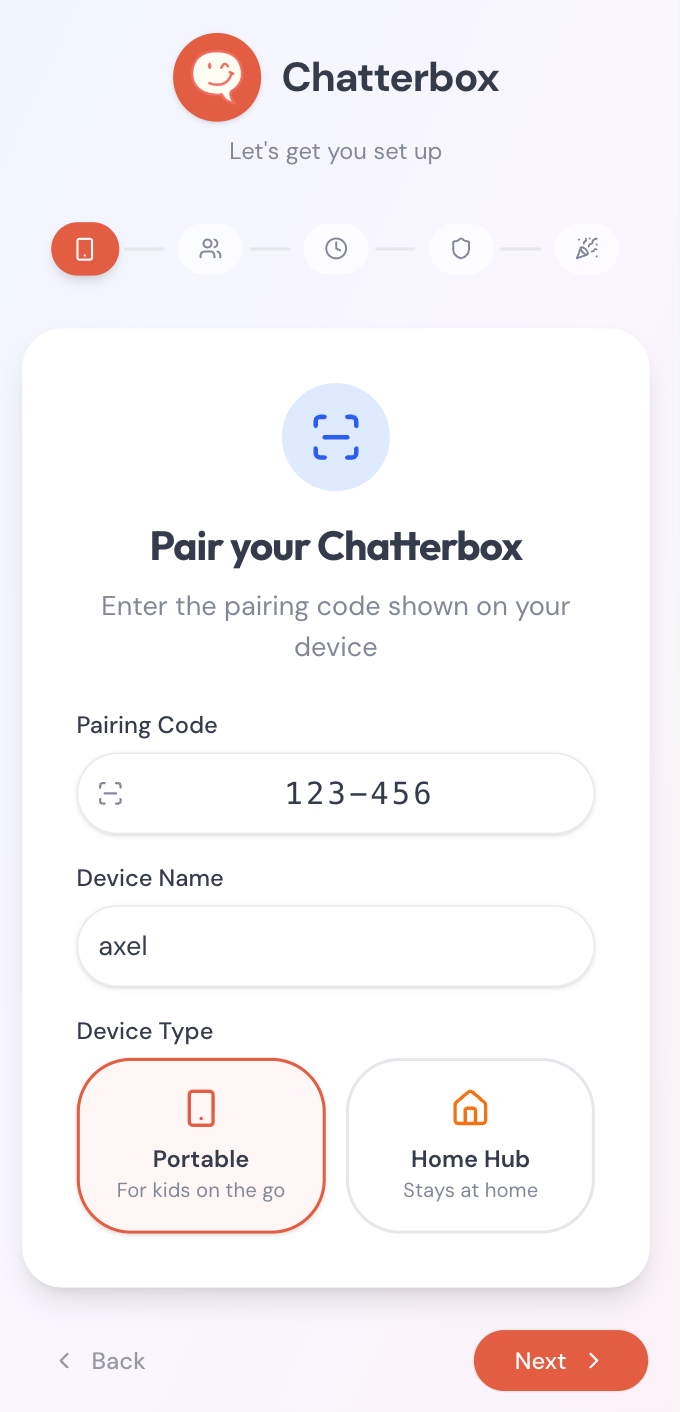
Pair
Download the Chatterbox Hub app and pair your device with a simple code.
Tap through it like you're holding the phone.
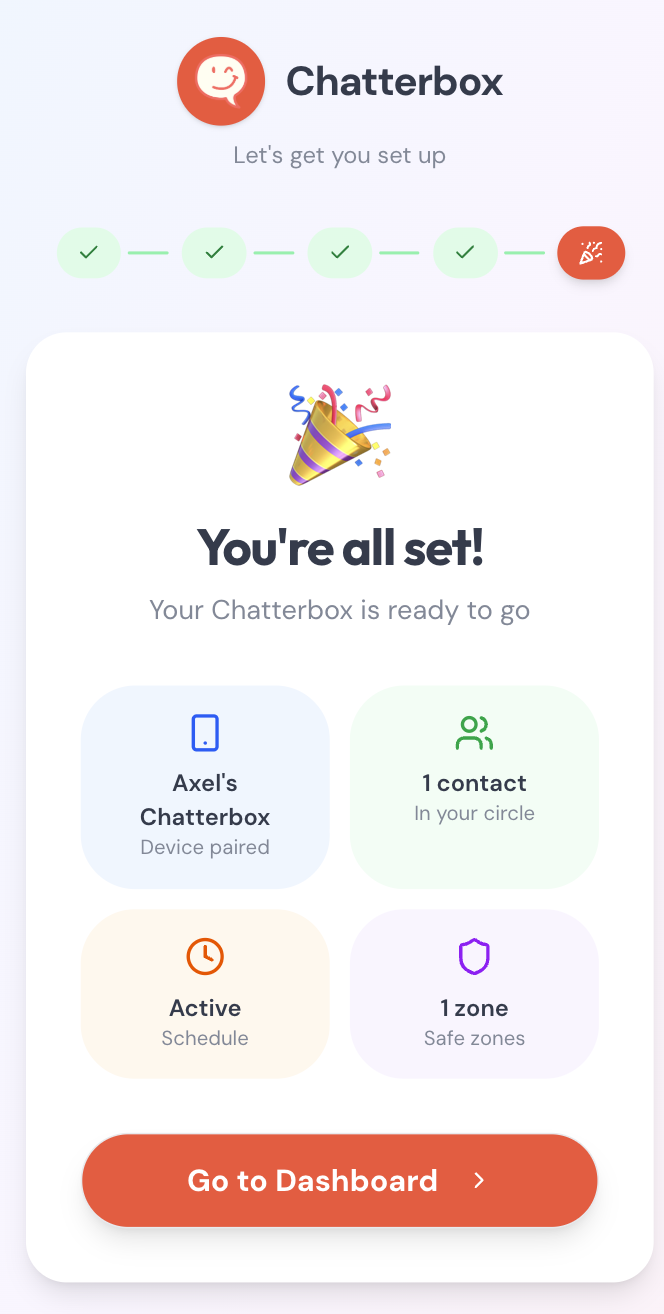
This is the real flow, exactly as parents see it: pair the device, approve the people you trust, and tell Chatterbox when to ring. No app to download — try it right here.
Pair device
0/3 donePair your Chatterbox
Enter the 4-character code on the back of the device.
This is a hands-on demo — nothing is saved, no account needed. The real Parent Hub works the same way and is free for every Chatterbox household.
Set up the Parent Hub
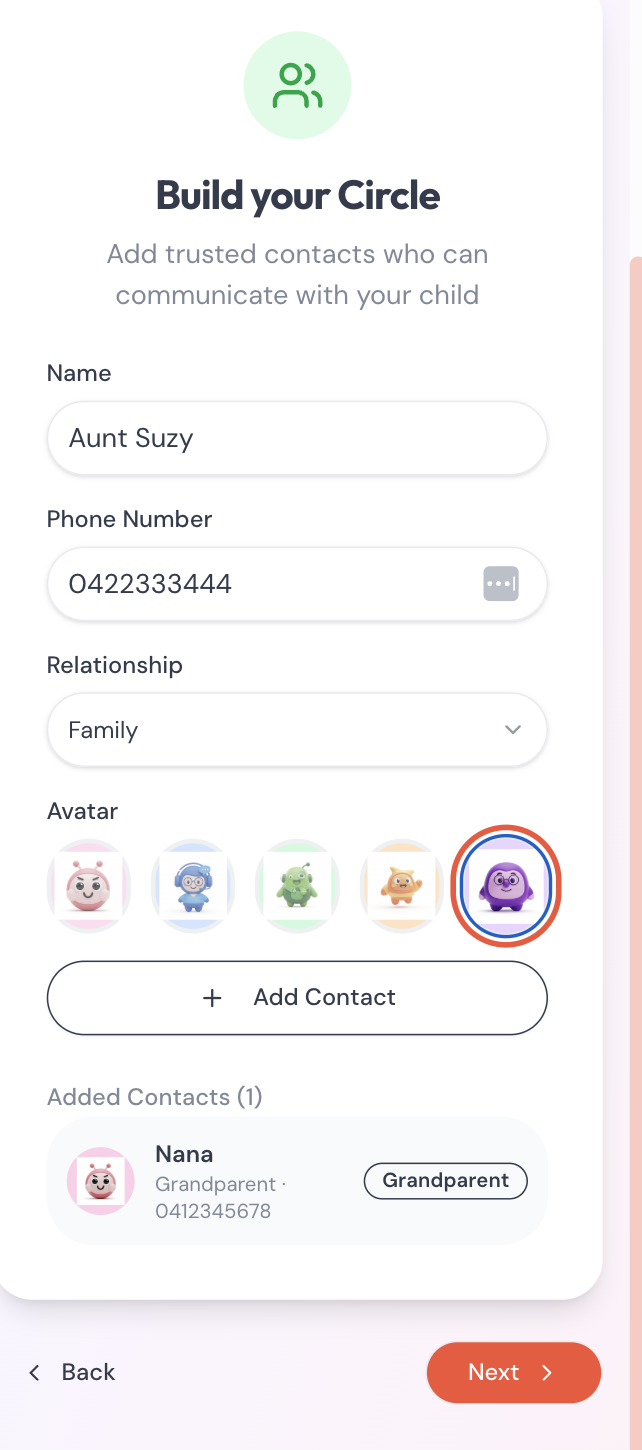
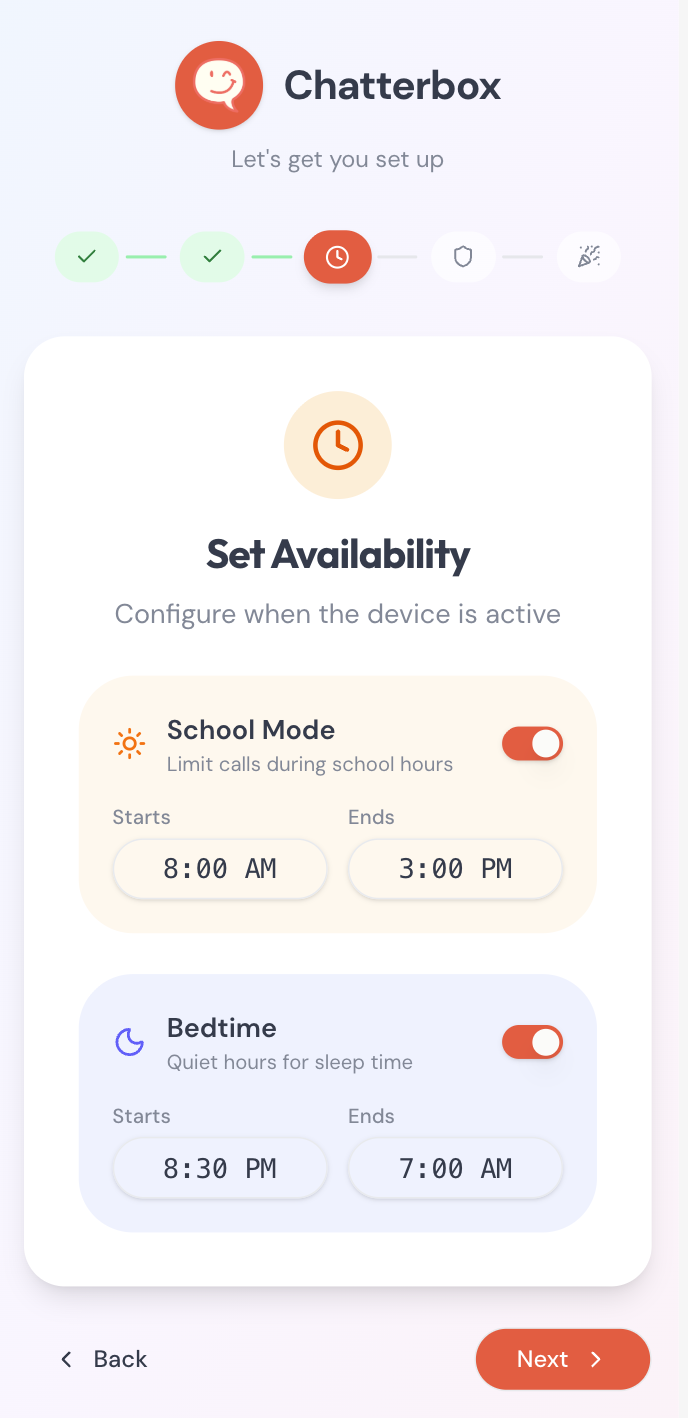
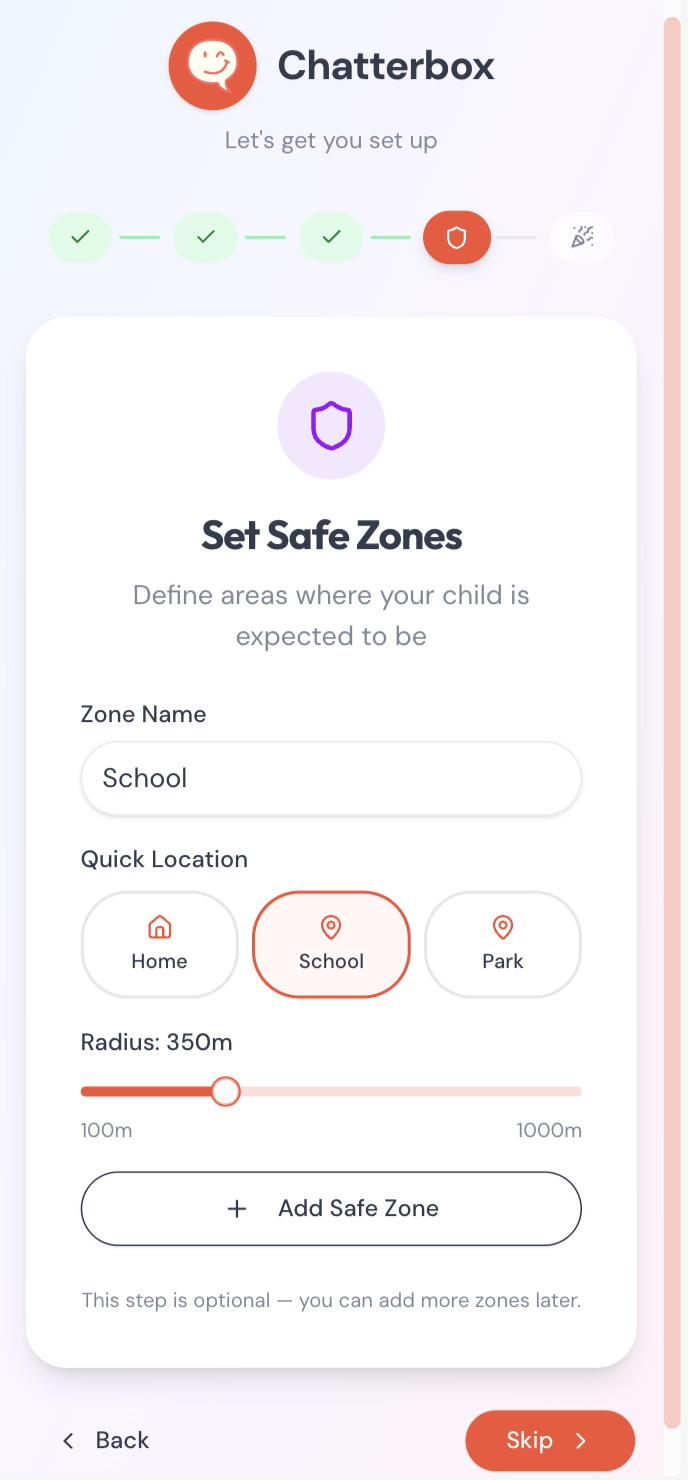
Setting up Chatterbox takes about five minutes. Download the free Parent Hub app, scan the pairing code on the back of the device and add the trusted contacts your child can call and receive calls from. Configure school mode, bedtime and quiet hours so the device only rings when it should. For Chatterbox Go, draw safe zones on a map and pick the alerts you want to receive.
After that, hand it over and let real conversations happen. There are no firmware updates to babysit, no ads to block and no algorithm to outsmart. Every call is encrypted, every contact is approved by you, and the device does exactly one thing — let your kid talk to the people who matter — and does it well.
What's actually on the device
There's no web browser, no YouTube, no TikTok and no way for strangers to reach your child. Calls connect over WiFi or our managed mobile data plan, with bank-level encryption end to end. Every Chatterbox pairs with a free Parent Hub app that lets you approve every contact, set quiet hours and school mode, and see who your child is calling. It's the simple, voice-only phone for kids that millions of parents quietly wish existed — designed by three dads who wanted their own kids to grow up heads-up, not heads-down.
Pick the device that suits your family
Chatterbox comes in two flavours so families can pick the right first phone for kids at the right age: Chatterbox Home, a WiFi landline for kids that lives on the kitchen bench, and Chatterbox Go, a portable phone for kids with GPS for trips to the park, school and weekend adventures.
The screen-free WiFi landline for kids that lives on the kitchen bench.
Learn moreThe rugged, portable phone for kids with GPS, push-to-talk and safe zones.
Learn moreGot a more specific question? Our FAQ covers plans, GPS coverage, emergency calling and how Chatterbox compares to a smartwatch or smartphone for kids.